
Protect your workforce from AI-powered attacks.
One unified platform to stop phishing, protect devices, govern AI use and train your people.
.avif)
.avif)
.avif)
.avif)
.avif)


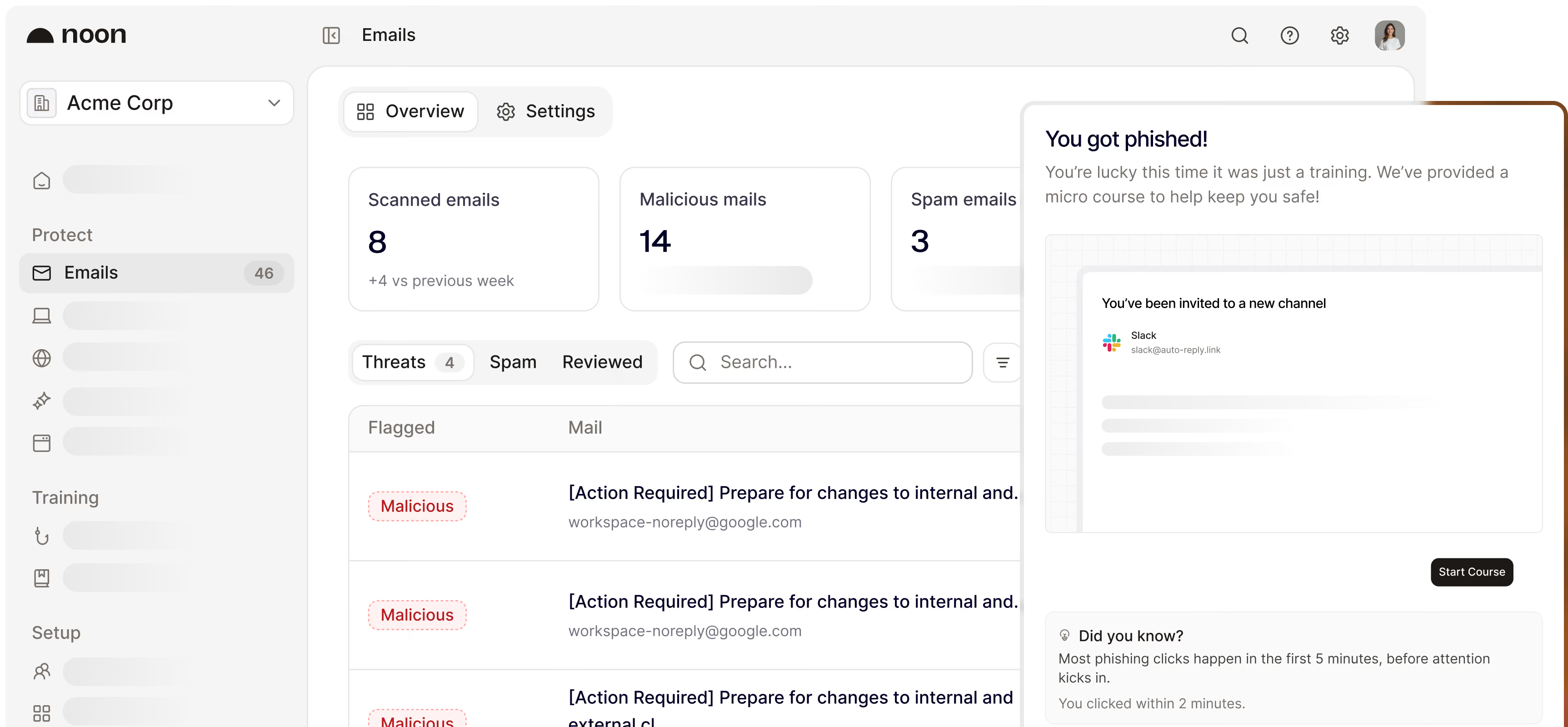






People get targeted before systems do. Noon protects the people.
(versus 12% ordinary)
Protect your team. Everywhere they work.
Protect your team
Test employees with realistic attack scenarios, personalized by role, behavior and risk-level.
Protect your inbox
Agentic email protection analyzes your inbox and catches threats that filters miss.

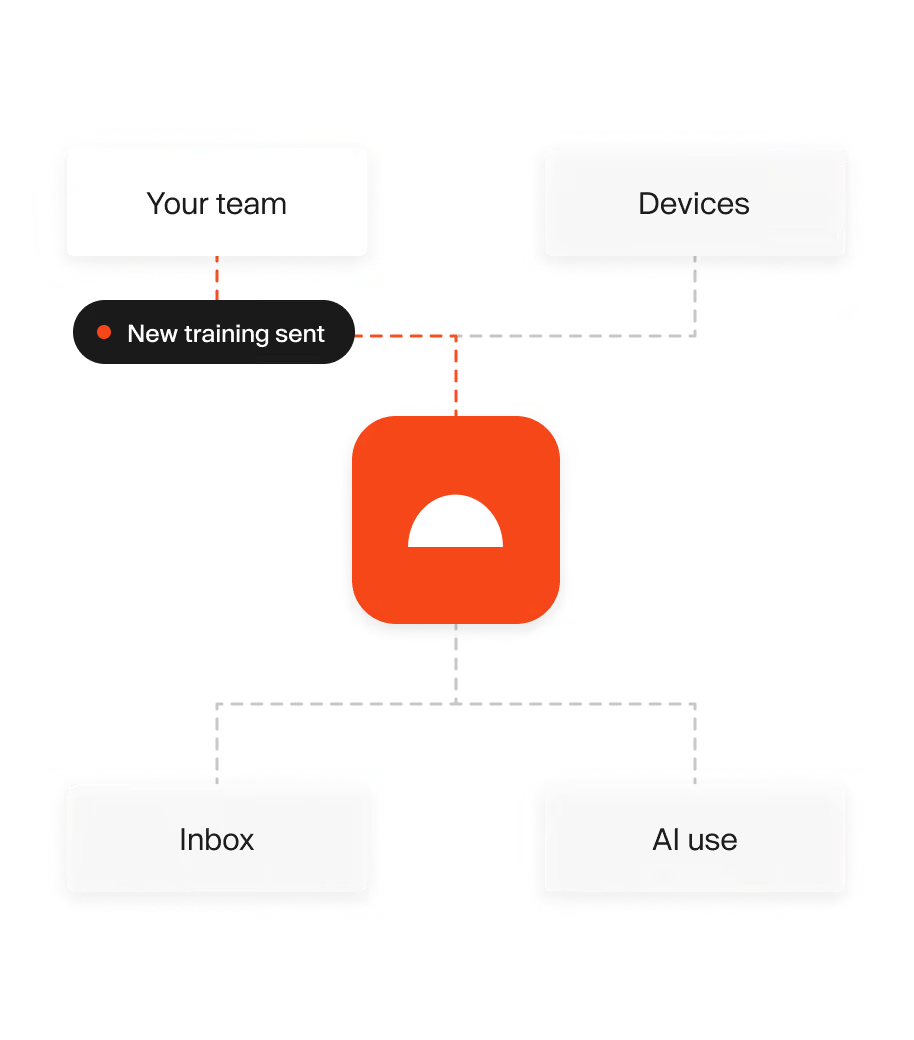
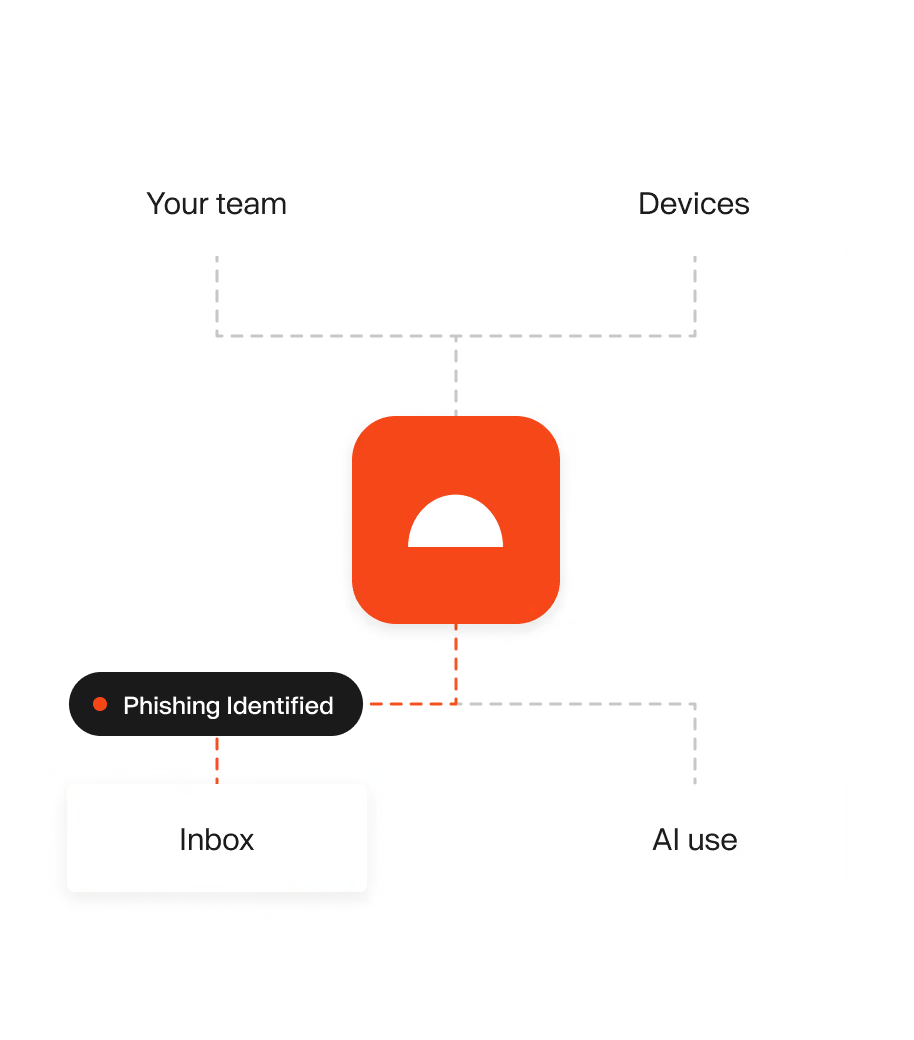
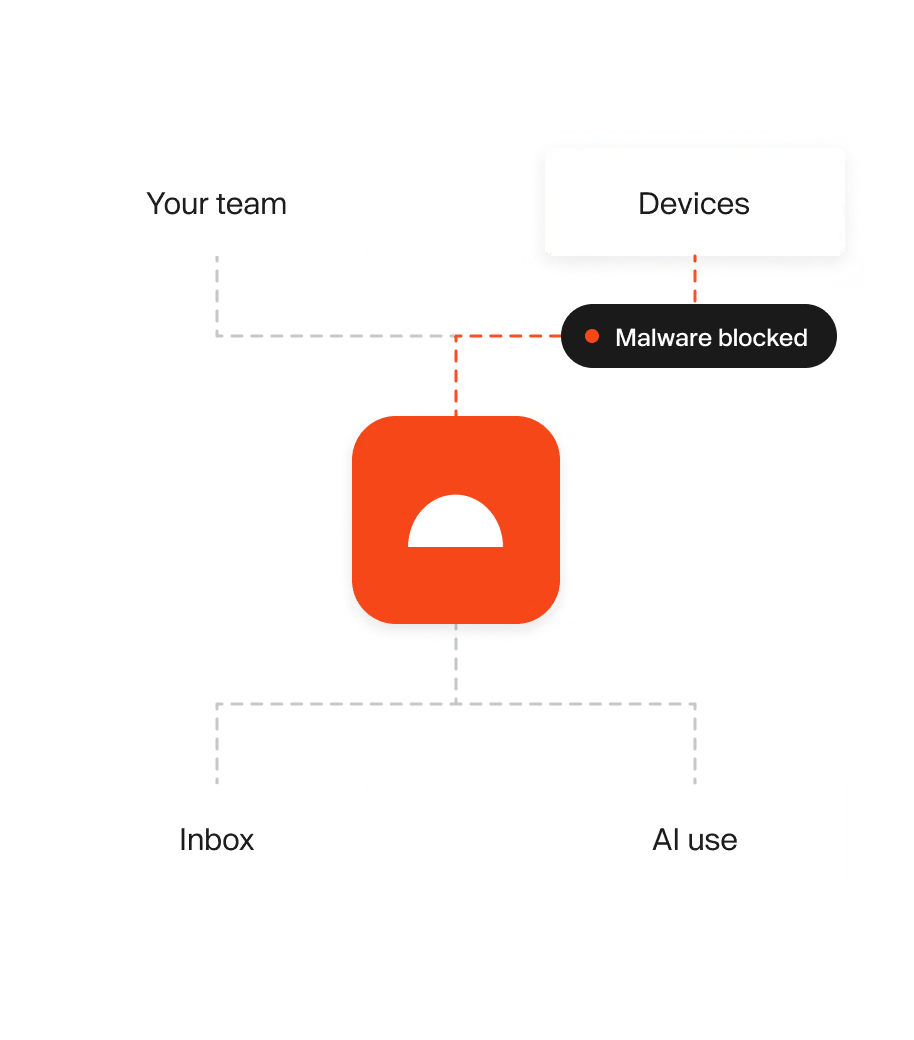
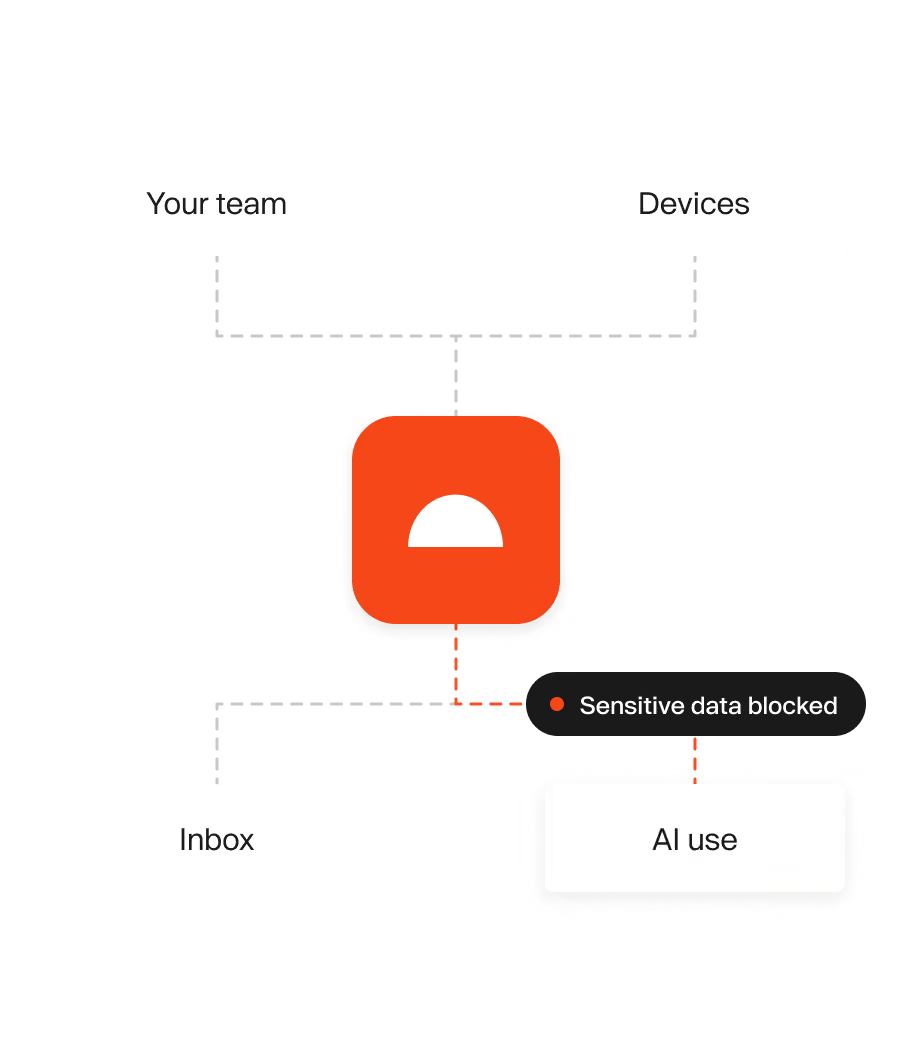
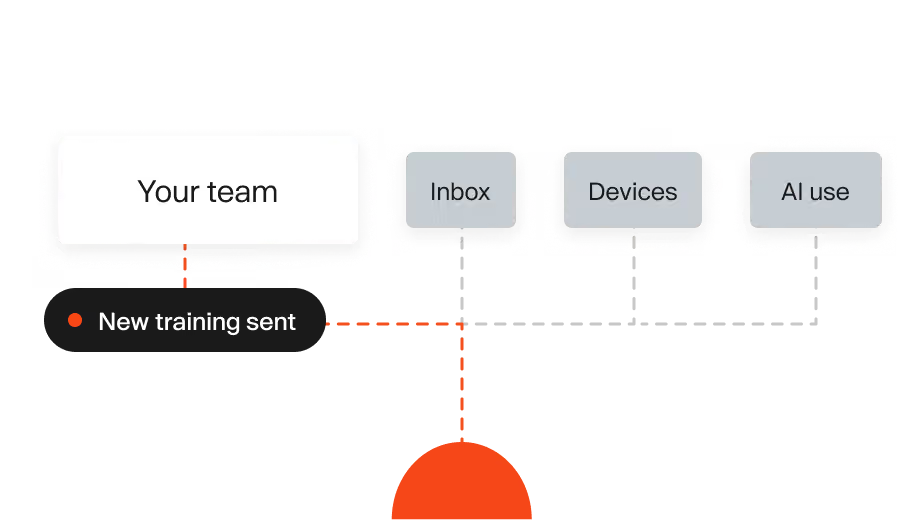
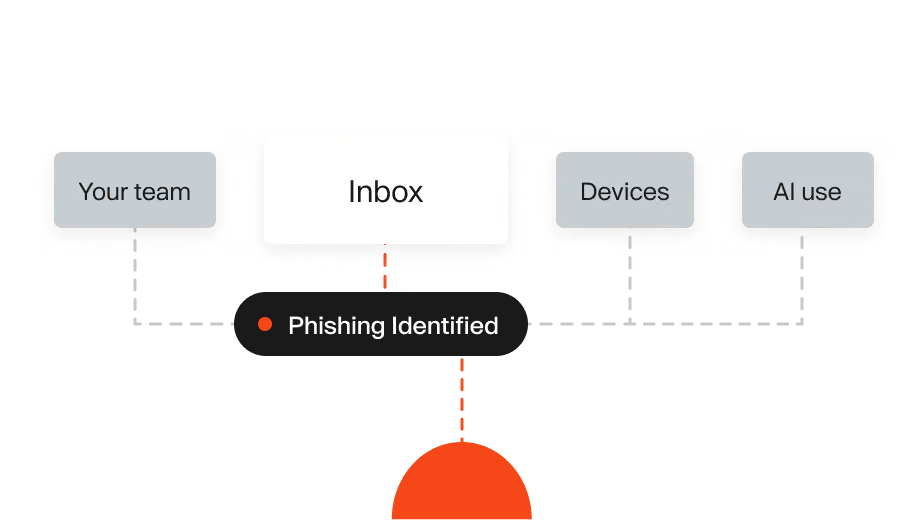
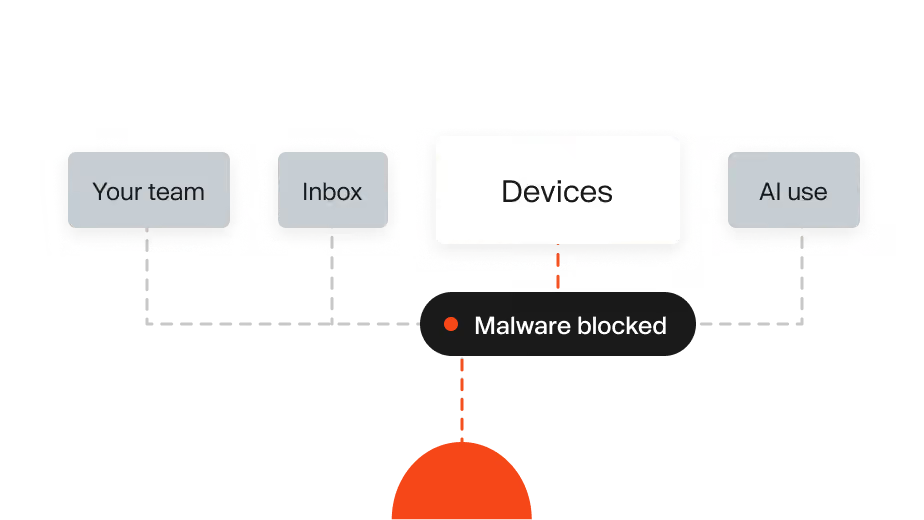
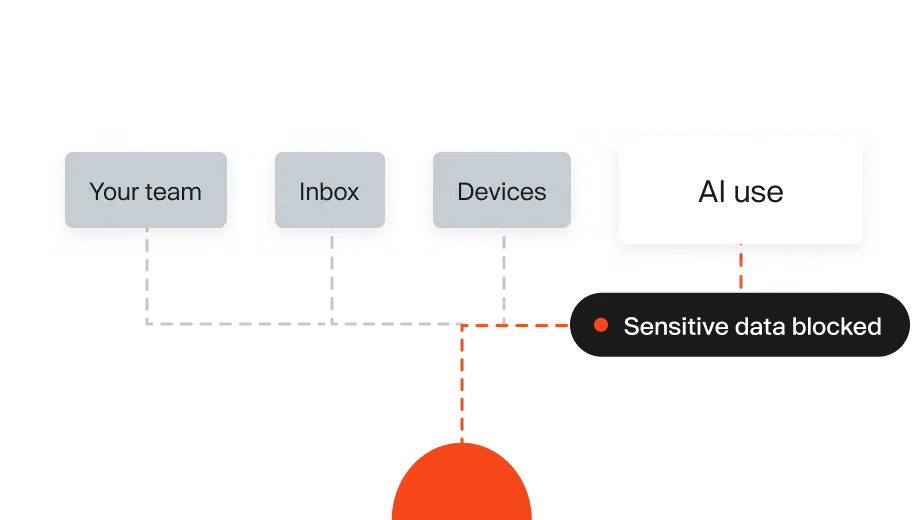
Protect your devices
Noon stops malware before it runs and blocks risky extensions and sites, directly on employee devices.
Protect your AI use
See which AI tools your team uses, keep sensitive data out of prompts and control safe usage.
From protection to prevention
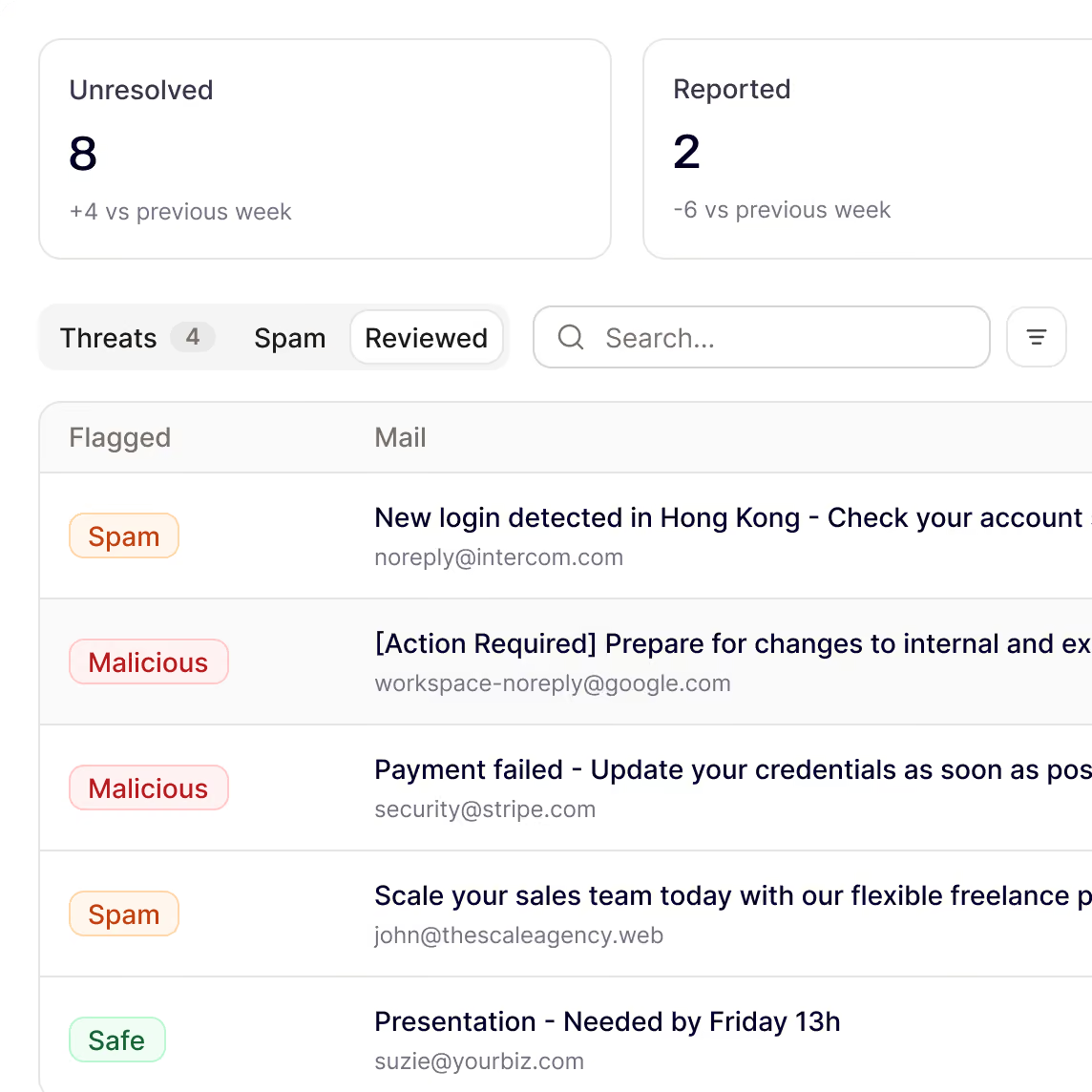
Protect your inboxes from malware & AI phishing attacks
Autonomously stop targeted attacks and malicious emails that legacy filters miss.
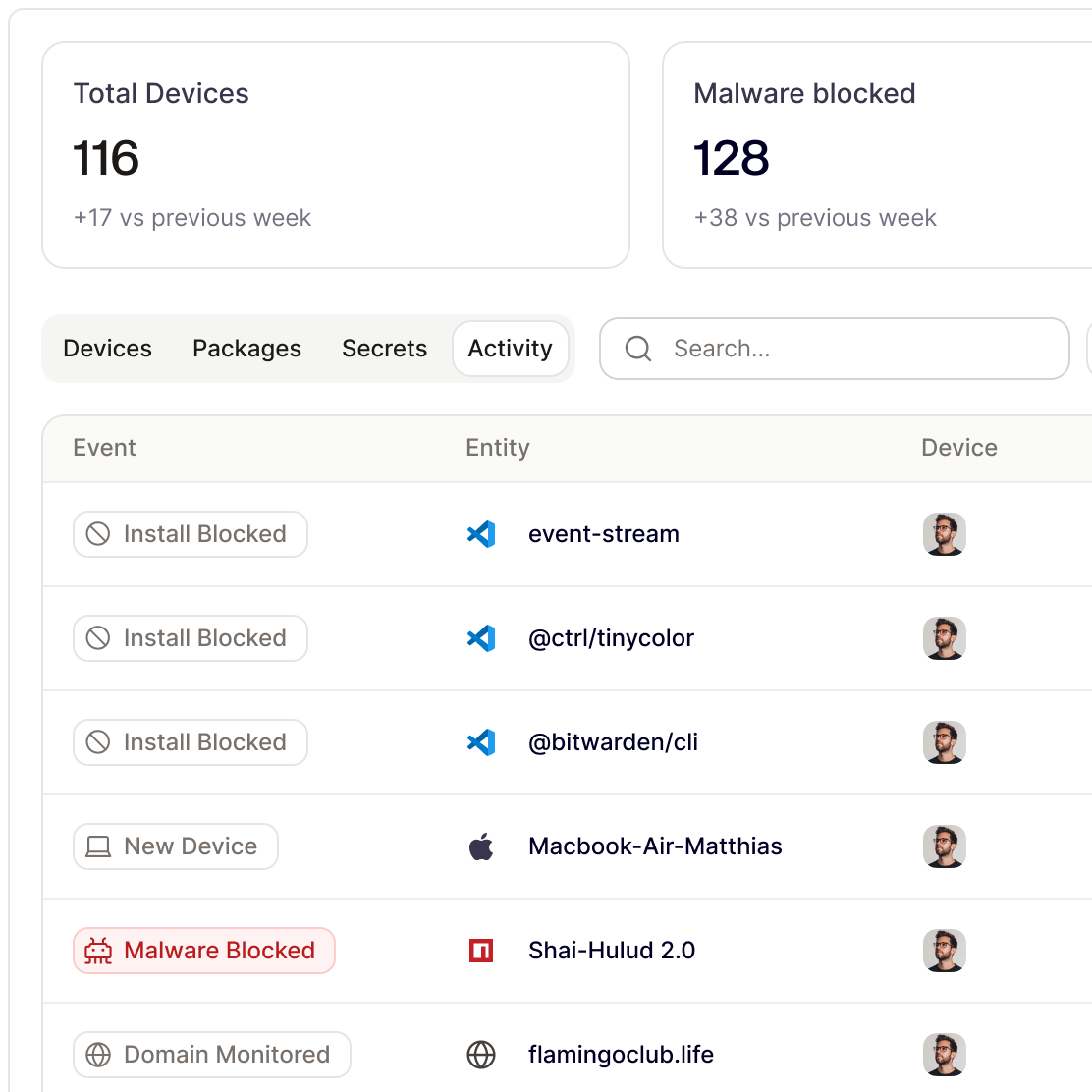
Keep your devices safe
Keep your devices safe. Detect malware, stolen sessions and suspicious activity directly on employee devices.
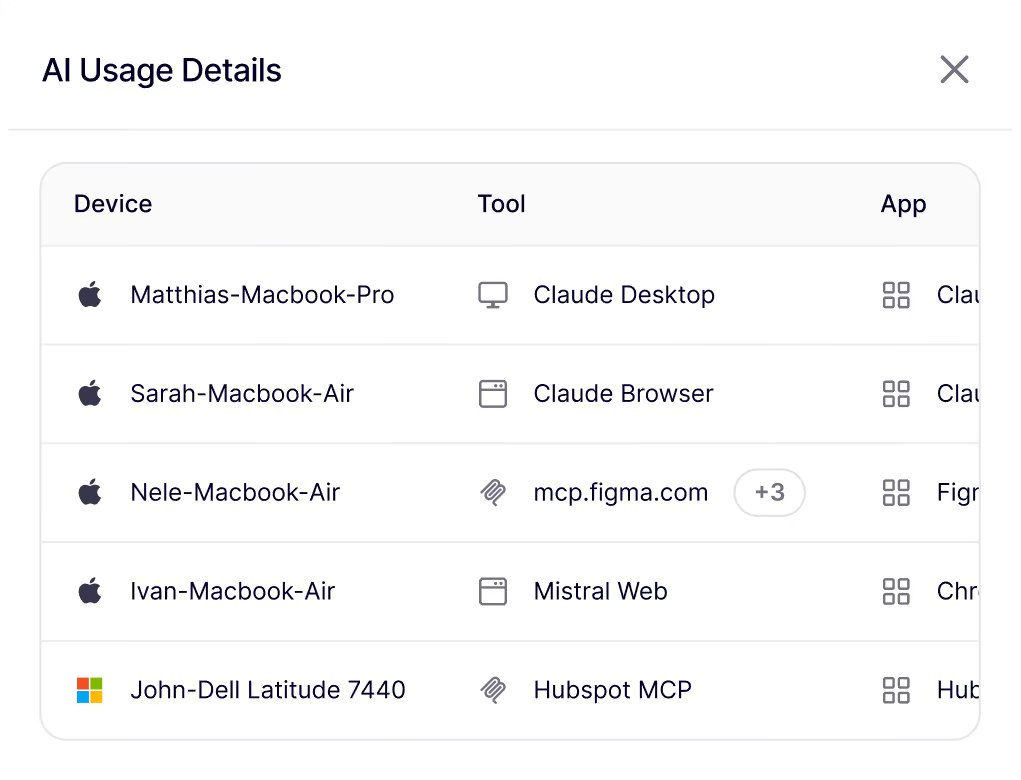
See which AI tools and apps your team uses.
Discover unsanctioned AI and SaaS, sensitive data leaving the company and new tools appearing across the workforce.
Turn real attacks into prevention training.
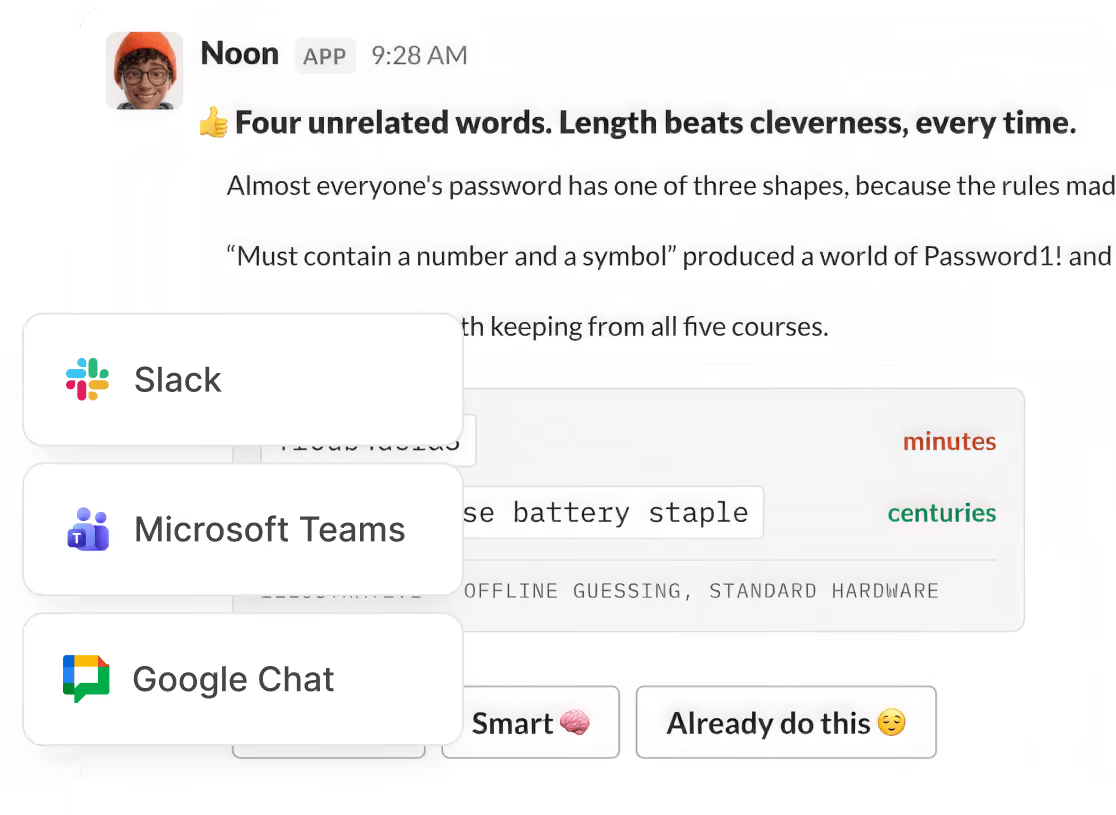
Short lessons, delivered in Slack, Microsoft Teams or Google Chat. Prepare employees for the risk they'll most likely fall for.
.avif)
Works with your workspaces & channels
.svg%201.svg)


"Organizations benefit from a modern take on workforce security that combines email, endpoint, and AI security into a single place."
James Berthoty, Founder, Latio
Your workforce, secured by noon
Be first to protect your people and their devices with Noon.
Frequently Asked Questions
Questions about getting started with Noon Security, phishing, Shadow AI or general employee security
What needs an install?
What needs an install?
Email Protection and attack simulations work through your Google or Microsoft connection. Device Protection and AI usage monitoring need the agent on macOS or Windows.
What does Noon keep?
What does Noon keep?
Only malicious mail, as proof of what Noon found and why. Safe mail isn't saved. Prompts, conversations, secret values, files, and browsing stay on the device.
What does my security team see?
What does my security team see?
Outcomes, not the data behind them:
- Email: the verdict and why
- Devices: the blocked package or domain
- AI tools: the model, provider, MCP server, and tool
People can't see each other's mail, results, or device activity.
How do I get started?
How do I get started?
Connect Google Workspace or Microsoft 365. Noon starts scanning connected mailboxes within minutes.
What does Noon protect?
What does Noon protect?
Your email and your devices. Email Protection catches phishing, business email compromise, credential theft, and malware. Device Protection stops malware and risky sites. Attack simulations and courses train the people those attacks target.