
Enterprise email protection without Abnormal AI’s sales cycle
Abnormal starts with a demo and a quote. Noon starts with your inbox: connect it, see what’s there, and add device protection, simulations, and training in the same product.
.avif)
.avif)
.avif)
.avif)
.avif)





Why teams switch from Abnormal AI to Noon
No protection on the device where credentials get stolen.
Noon catches infostealers and session theft on the laptop, and flags the account when it shows up in a breach, before the stolen credential turns into a takeover.
Demo and quote before you see anything.
Noon is an open product you can test yourself, with transparent pricing. Connect your inbox and see which threats are already in it.
No multichannel awareness program.
Noon adds voice, SMS and chat simulations, including deepfake calls in an executive's voice, and interactive training in the employee app, Slack and Teams.
Noon vs Abnormal AI at a glance

“The first simulation-based security training that does it right. Our company gets actual value.”
CTO of European Neo Bank
Train, protect and respond in one platform
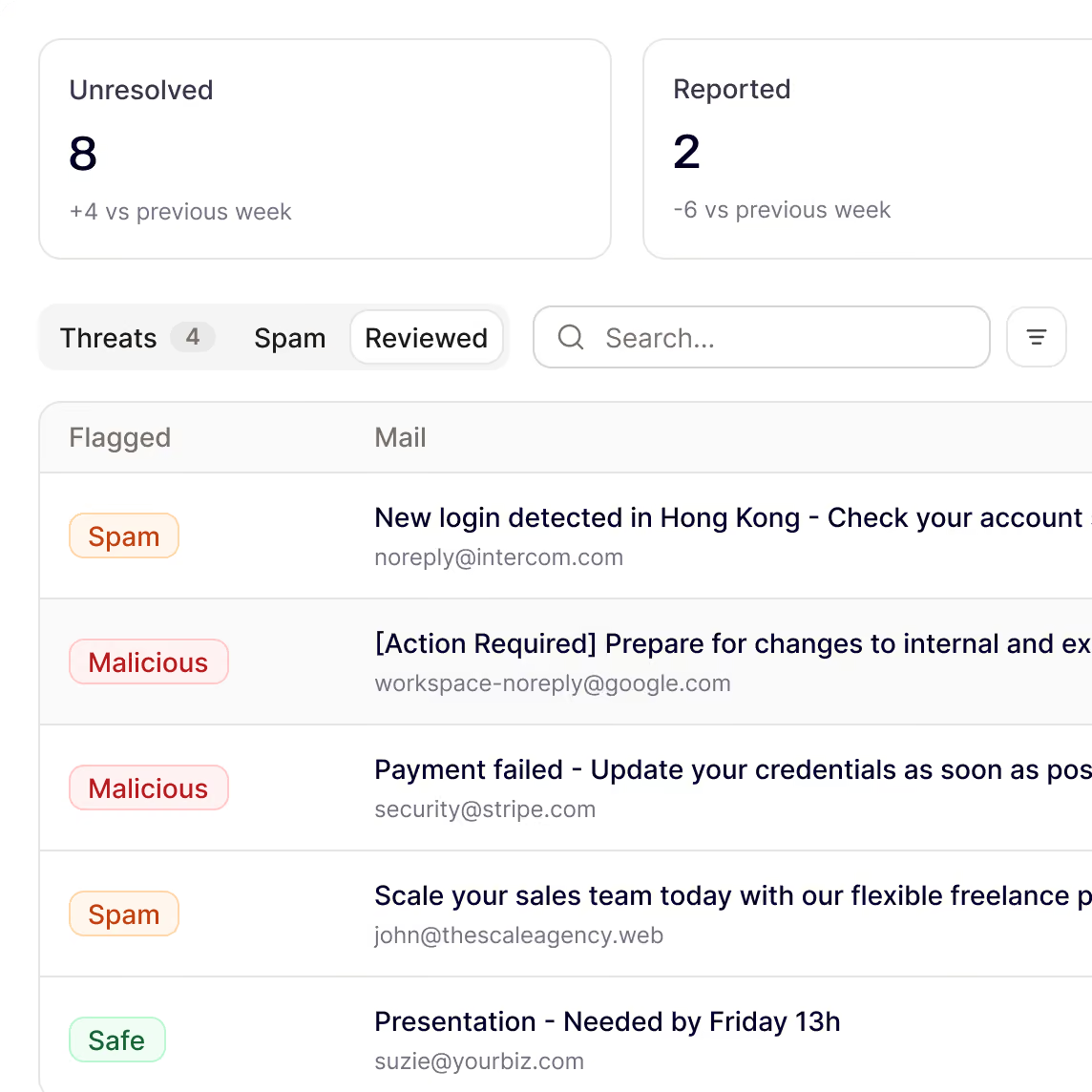
See it before you buy it
Connect your inbox, scan what is already there and see the price before committing. Setup takes a few clicks, with public per-seat pricing and no MX change.
Free scan of existing inboxes
Public per-seat pricing, no quote required
SSO with Okta, Entra ID and Google
Every inbound email checked
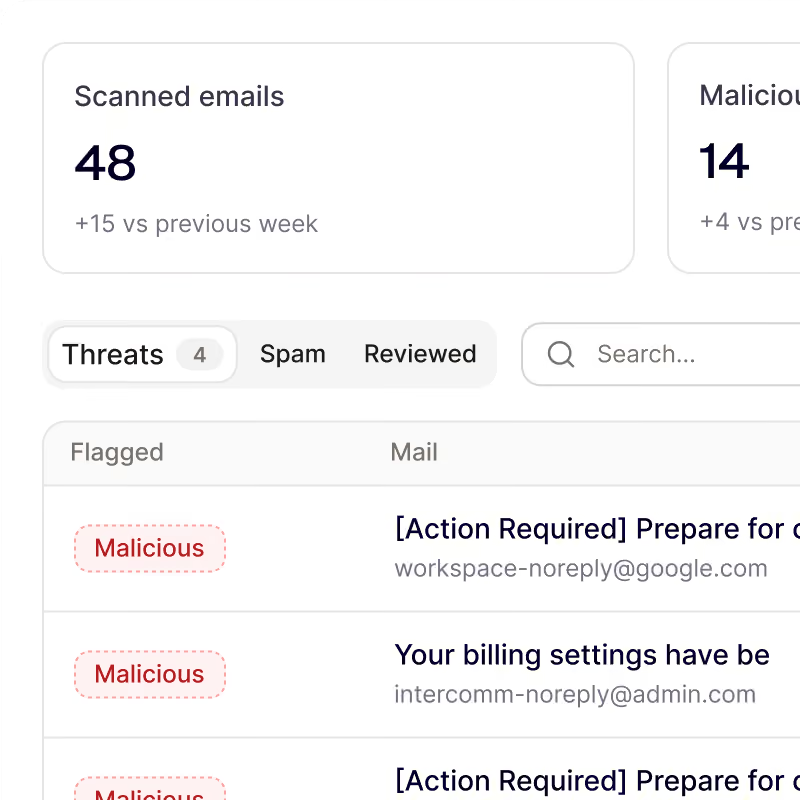
Noon connects to Microsoft 365 or Google Workspace by API. It catches phishing, BEC and impersonation, warns on borderline emails, and removes confirmed threats across inboxes.
Executive, vendor and colleague impersonation, even from clean domains
Warning banners for suspicious but legitimate-looking email
One-click reporting with automatic triage
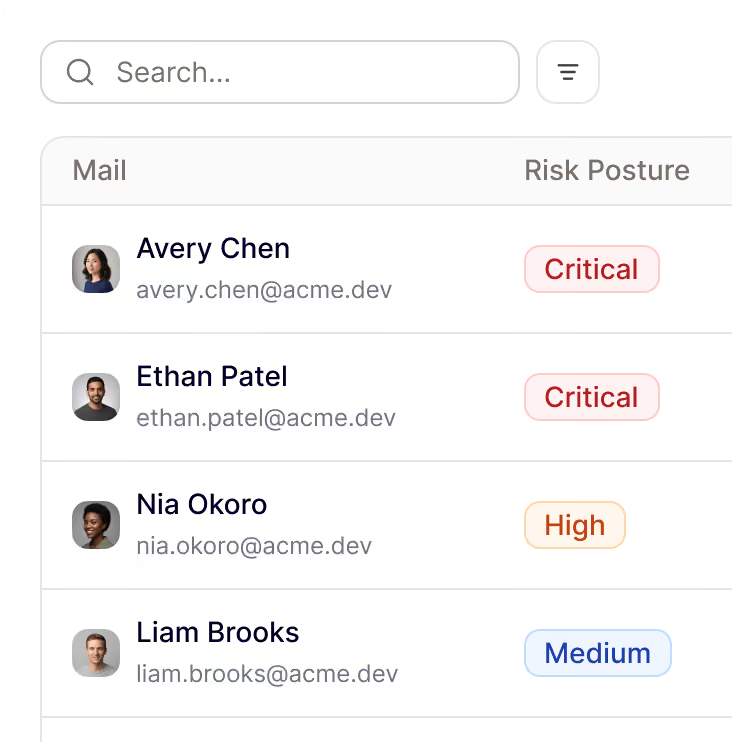
Catch credential theft before the login
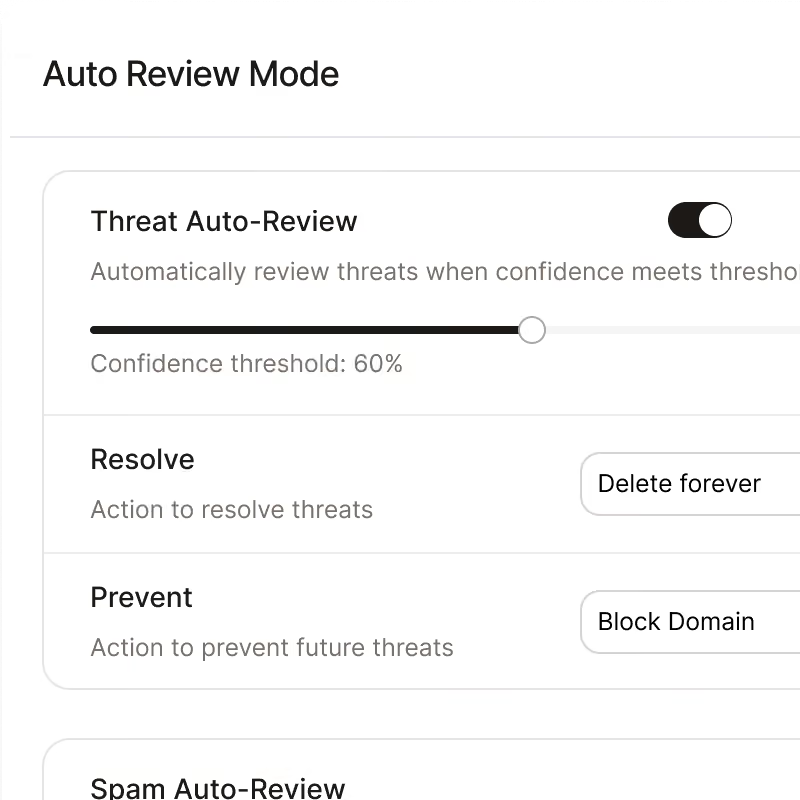
Noon catches infostealers and session theft on the device and flags employee accounts exposed in breaches, before the stolen credential turns into an account takeover.
Infostealers and session theft detected on the device
Employee accounts monitored for breach exposure
The phishing behind the theft reported and triaged
Protection after the click
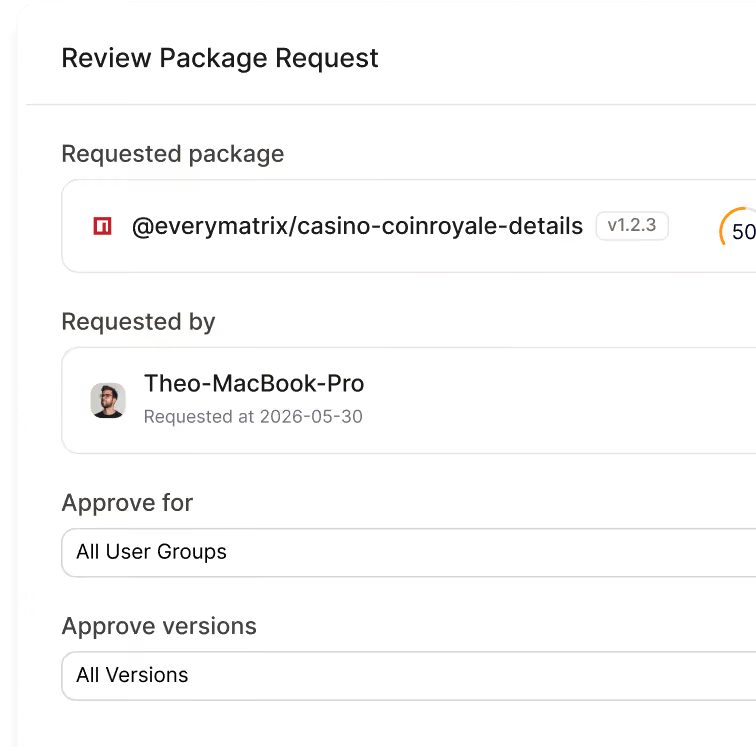
When someone clicks anyway, Noon keeps protecting on the device: blocking phishing sites, malicious downloads and rogue browser extensions, while finding exposed secrets.
Malware from phishing blocked on the device
Malicious extensions and risky sites blocked by policy
API keys and passwords in plain text detected
Your workforce, secured by noon
Be first to protect your people and their devices with Noon.
Frequently Asked Questions
Questions about getting started with Noon Security, phishing, Shadow AI or general employee security
How does Noon compare with Abnormal AI for email security?
How does Noon compare with Abnormal AI for email security?
Abnormal focuses on email and identity behavior. Noon combines email protection with device protection, so the same platform can stop the phishing email and keep protecting the employee beyond the inbox.
How does Noon handle account takeover?
How does Noon handle account takeover?
Abnormal detects account takeover from sign-in, device and behavioral signals after an account is compromised. Noon also works at the device layer, where it can catch infostealers and session theft and flag employee accounts exposed in data breaches.
Can we try Noon before talking to sales?
Can we try Noon before talking to sales?
Yes. Connect your inbox, scan what is already there and see the price before committing. Per-seat pricing is on the site.
What does Noon protect beyond email?
What does Noon protect beyond email?
Noon's device protection keeps protecting the employee after the click: it stops malware before it runs, blocks known malicious browser extensions, and blocks risky websites by policy.
Is reported-email triage included?
Is reported-email triage included?
Yes. One-click reporting with automatic triage is part of Noon's email protection. At Abnormal it is a separate product.