
See which AI tools and apps your team uses.
Discover unsanctioned AI and SaaS, sensitive data leaving the company and new tools appearing across the workforce.
.avif)
.avif)
.avif)
.avif)
.avif)

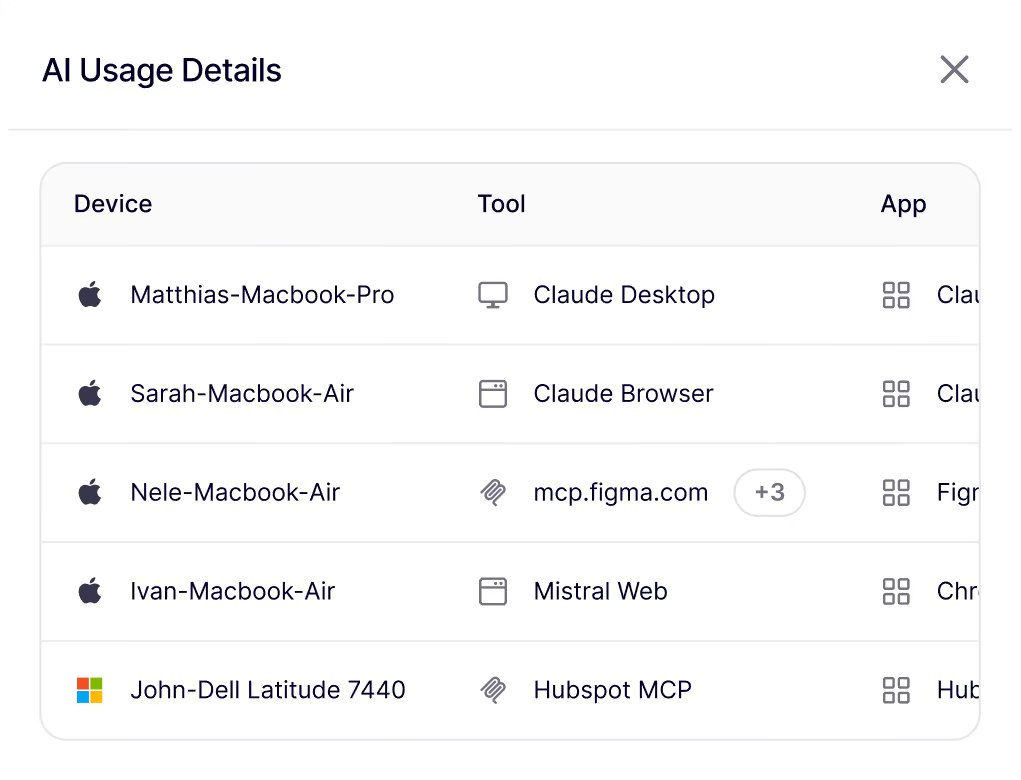





Your employees already use AI at work. You just can't see it.
Find hidden AI usage and prevent severe incidents
Shadow SaaS
People sign up for apps with their work account and nobody tells IT. Noon shows you the full list of tools and who uses what.
Shadow AI
Finds every AI app and assistant on employee devices, approved or not.
Sensitive Data Sharing
Noon flags customer data, code and passwords going where they shouldn't.
Unapproved Tools
Mark each tool: allowed, not allowed or request first. So any new tools pass your review before getting installed.
How AI governance works

Install the extension
Install the lightweight extension by deploying it with MDM or just install it manually. For MacOS, Windows or Linux.

Set AI and MCP policies
Decide which LLMs, MCPs or models your company allows. Roll out policies on company, team or individual level.
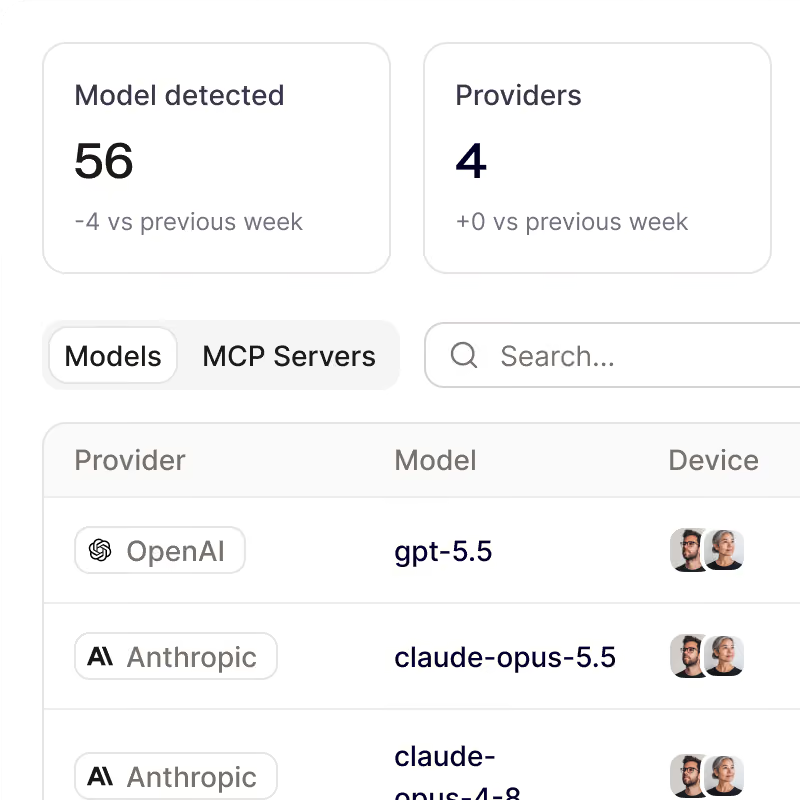
Monitor risks and behavior
Immediately see which models have too much access to sensitive info and what people are connecting their AI tools to.
Frequently Asked Questions
Questions about getting started with Noon Security, phishing, Shadow AI or general employee security
Do people have to report the AI tools they use?
Do people have to report the AI tools they use?
No. Device Protection builds the inventory from what actually runs on each device.
Why should I check remote MCP servers?
Why should I check remote MCP servers?
A remote server sends device data to a third party. Make sure the server is approved before you let it stay in use.
Can I block an AI tool?
Can I block an AI tool?
Yes. In the Tools view, set any tool to Allow or Block. A blocked tool can't run, but its MCP server and AI client stay available.
Does Noon see what people type?
Does Noon see what people type?
No. Prompts and conversations stay on the device. Noon never receives them.
What does Noon show about AI use?
What does Noon show about AI use?
The models, providers, MCP servers, and tools in use, and the devices running them. You can switch between the MCP server, model, and tool views, and open any device count to see which machines it includes.
Your workforce, secured by noon
Be first to protect your people and their devices with Noon.