
Keep your employee devices safe.
Detect malware, stolen sessions and suspicious activity directly on employee devices.
.avif)
.avif)
.avif)
.avif)
.avif)

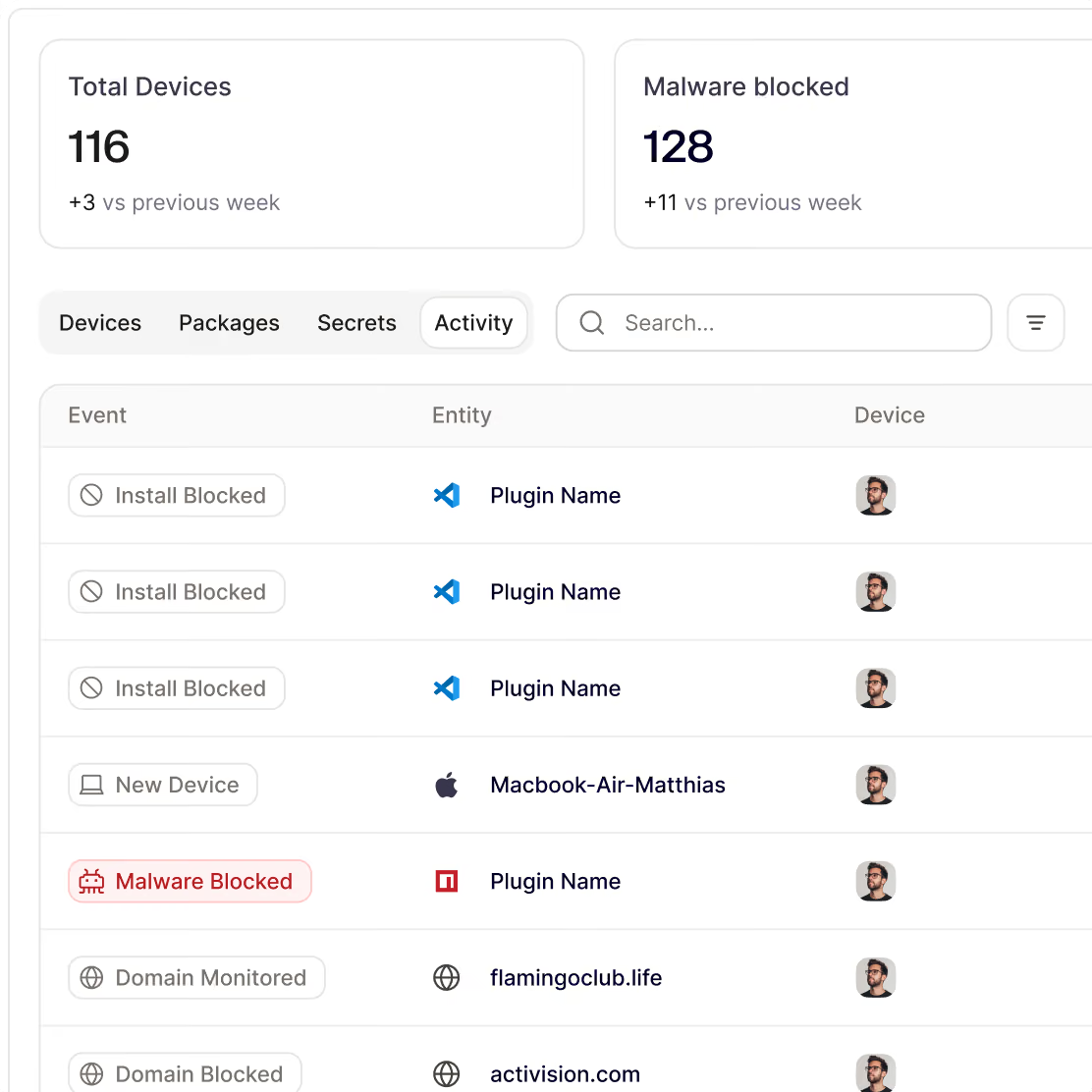





Malware steals passwords and sessions. Attackers don't break in, they log in.
Protecting employee devices from step one
Real-time malware blocking
Your team downloads files all day. When one tries to do something dangerous, Noon stops it right then, on the laptop.
Extension governance
Risky extension blocking. Browser add-ons can read every page a person opens, including their email. Noon checks every extension and blocks known malicious ones.
Group-based policies
Website blocking by policy. Blocks unwanted and risky sites. One rule for everyone, stricter ones for the teams that need them.
Secrets scanning
Finds API keys, tokens and passwords stored in plain text on employee devices, so they can be removed before they leak.
How device protection works

Install the app
Deploy the lightweight agent through MDM, or install it manually. For macOS, Windows & Linux.

Set company policies
Decide which applications, packages or extensions your company allows. Roll out policies on company, team or individual level.

Monitor risks and behavior
Immediately see which devices are at risk, what people are training to install and what to do if a breach occurs.


“Noon helped us turn security awareness into a continuous control. Fast, relevant, and matched to how Web3 teams get attacked.”
Phil O'Neill, Head of IT
Frequently Asked Questions
Questions about getting started with Noon Security, phishing, Shadow AI or general employee security
Can I control which sites devices can reach?
Can I control which sites devices can reach?
Yes. The firewall can monitor or block Noon's domain lists, such as malware, phishing, and typosquatting, or any domain you add. A policy can apply to everyone or to a single group.
How do I install it?
How do I install it?
Deploy a lightweight agent to macOS or Windows through your MDM. Email Protection and attack simulations don't need it.
Where are allow and block decisions made?
Where are allow and block decisions made?
On the device. Noon syncs allowlists, blocklists, malware signatures, and your policy rules. Then the device makes each decision on its own.
What data leaves the device?
What data leaves the device?
Only outcomes:
- allowed, blocked, and flagged install attempts
- a daily list of installed packages
- a short heartbeat that shows the device is online
Files, browsing, and page content stay on the device.
What does Device Protection stop?
What does Device Protection stop?
It stops malware and unapproved software before they install, and risky sites before they connect. For a blocked package, your security team sees its version, where it came from, and why it was blocked. For a blocked site, they see only the domain.
Your workforce, secured by noon
Be first to protect your people and their devices with Noon.