
Ironscales protects the inbox. Noon keeps protecting after the click.
Noon adds device protection for malicious links, files, extensions and websites that make it through.
.avif)
.avif)
.avif)
.avif)
.avif)

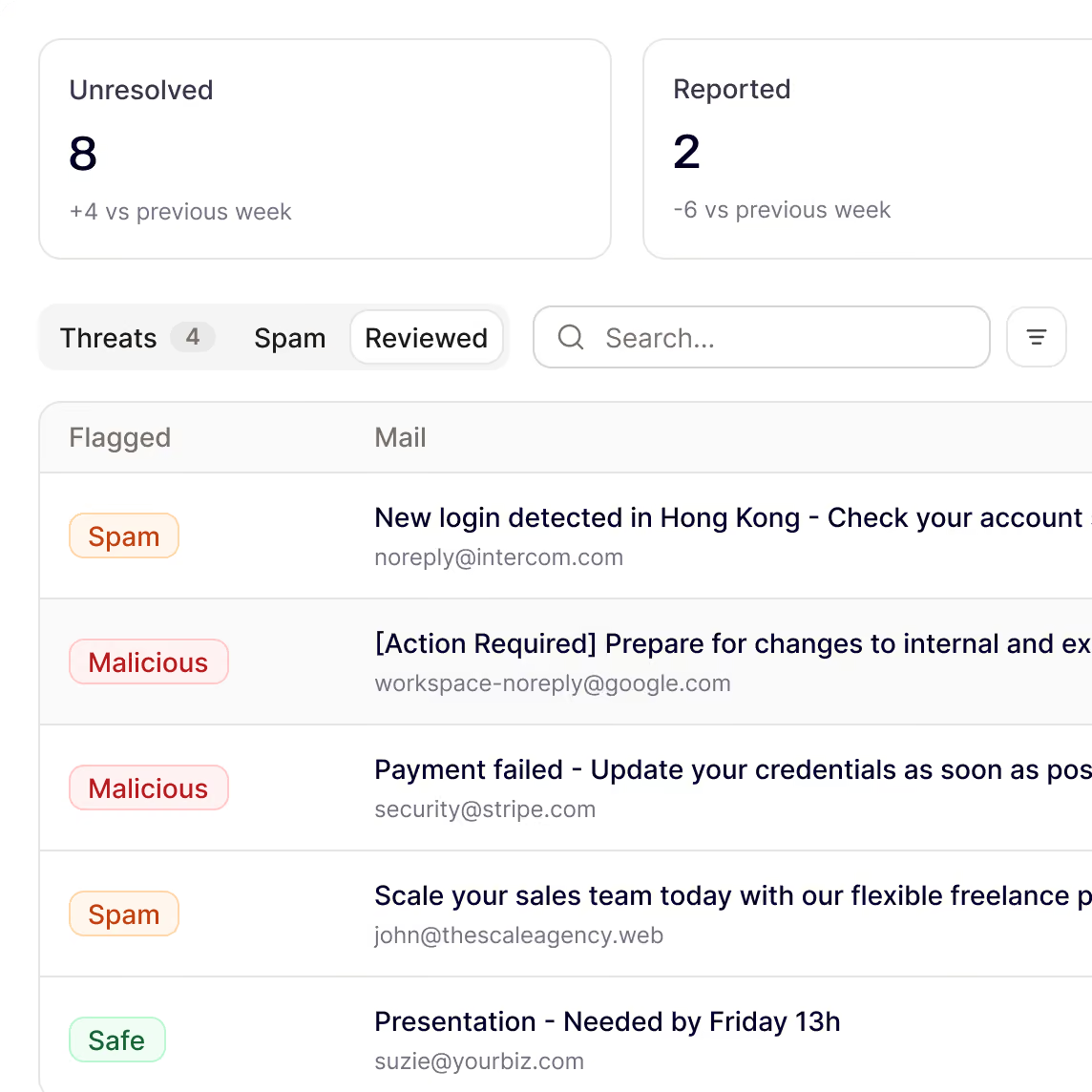





Why teams switch from Ironscales to Noon
Account takeover detection only in higher packages.
Noon catches the infostealer on the laptop and the leaked password in a breach, before the stolen credential turns into an account takeover.
Protection ends at the mailbox.
Noon keeps protecting after the click: it stops malware before it runs and blocks malicious extensions and risky sites on the laptop.
Blind to what employees share with AI tools.
Noon shows which AI tools employees use, lets teams set policies by app and keeps sensitive data out of AI prompts.
Noon vs Ironscales at a glance

“The first simulation-based security training that does it right. Our company gets actual value.”
CTO of European Neo Bank
Train, protect and respond in one platform
Catch credential theft before the login
Noon catches infostealers and session theft on the device and flags employee accounts exposed in breaches, before the stolen credential turns into an account takeover.
Infostealers and session theft detected on the device
Employee accounts monitored for breach exposure
The phishing behind the theft reported and triaged
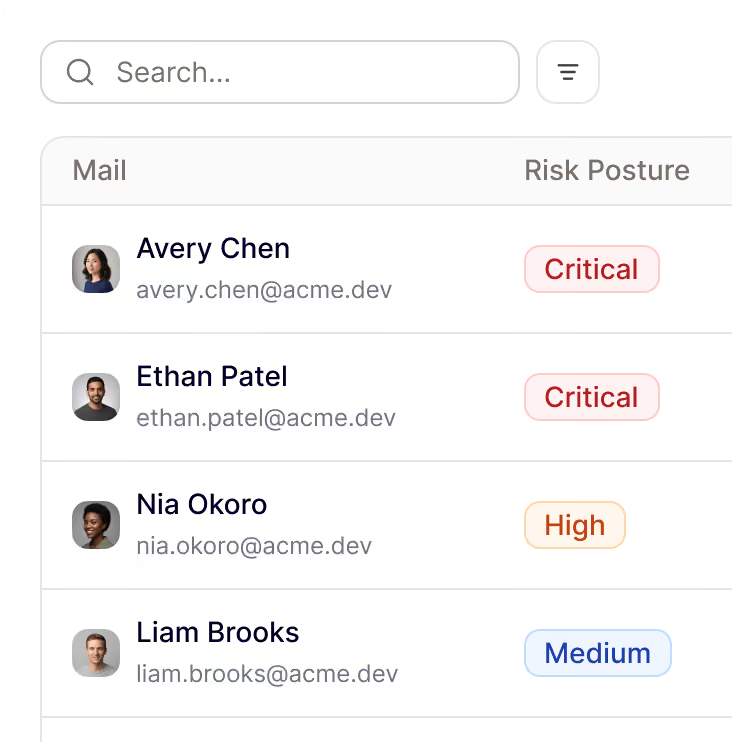
Protection after the click
When someone clicks anyway, Noon keeps protecting on the device: blocking phishing sites, malicious downloads and rogue browser extensions, while finding exposed secrets.
Malware from phishing blocked on the device
Malicious extensions and risky sites blocked by policy
API keys and passwords in plain text detected
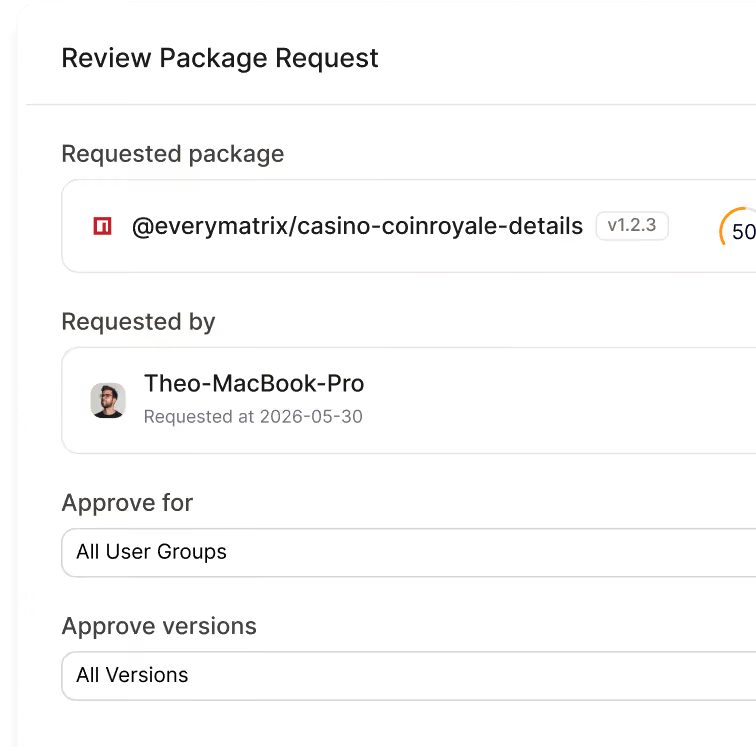
Short interactive training in Slack or Teams, not PDFs and decks
Short interactive lessons arrive in Slack, Teams, Google Chat or email, triggered by employee behaviour and tailored to the risks of each role.
Role-based training for finance, HR, engineering and leadership
Compliance training with completion tracking
AI builder turns policies and incidents into training
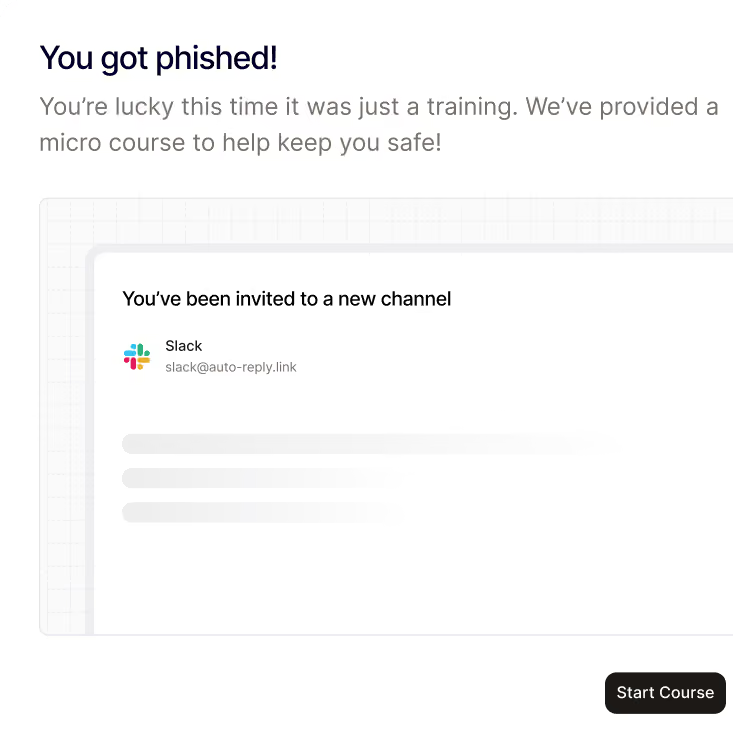
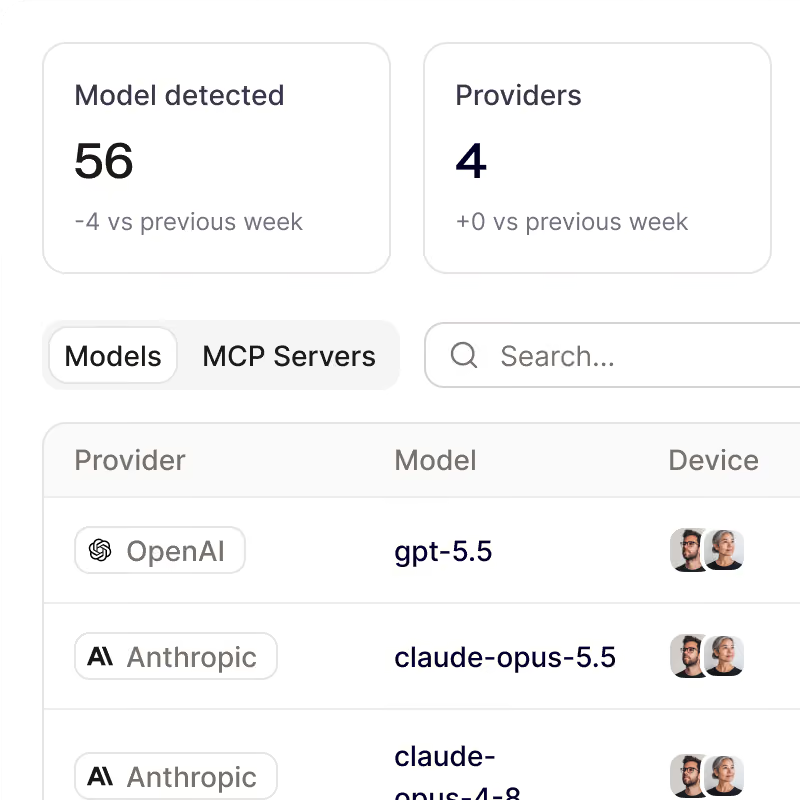
See and control how your team uses AI
Noon shows which AI and SaaS tools employees use, keeps sensitive data out of prompts and applies policies by team, with guidance delivered in the moment.
Shadow AI and shadow SaaS discovery
Sensitive data redacted before it leaves the device
AI agents and MCP connections visible
Your workforce, secured by noon
Be first to protect your people and their devices with Noon.
Frequently Asked Questions
Questions about getting started with Noon Security, phishing, Shadow AI or general employee security
How does Noon compare with Hoxhunt for phishing training?
How does Noon compare with Hoxhunt for phishing training?
Hoxhunt focuses on simulations, training and emails employees report. Noon does that too, but also scans every inbound email automatically and protects the device in the same platform.
Can Noon replace Hoxhunt for simulations and training?
Can Noon replace Hoxhunt for simulations and training?
Yes. Noon covers personalised phishing simulations, role-based training and compliance training.
How long does rollout take?
How long does rollout take?
Hoxhunt uses custom pricing and a guided implementation process. Noon connects, scans and launches your first campaign in a couple of minutes.
Does Noon protect real email too?
Does Noon protect real email too?
Yes. Noon checks inbound email directly, catches phishing, BEC and impersonation, warns on borderline emails and removes confirmed threats across inboxes.
Can Noon run alongside Hoxhunt while we switch?
Can Noon run alongside Hoxhunt while we switch?
Yes. Noon can be added without replacing your existing awareness setup, so you can evaluate email and device protection before moving training and simulations over.