See which apps your team uses. Block the ones you don’t want.
Noon lists the apps people use on company devices. You see who uses each one, how often, and if it is allowed. Block an app for the whole company or for one team.






Your team signs up for new tools every week. IT teams don’t find out in time or at all.
IT's knowledge
A year earlier it was 20%.
Keep company data out of apps nobody approved
Know where company data goes
Know who uses what.
Block apps in one place
All apps in one list
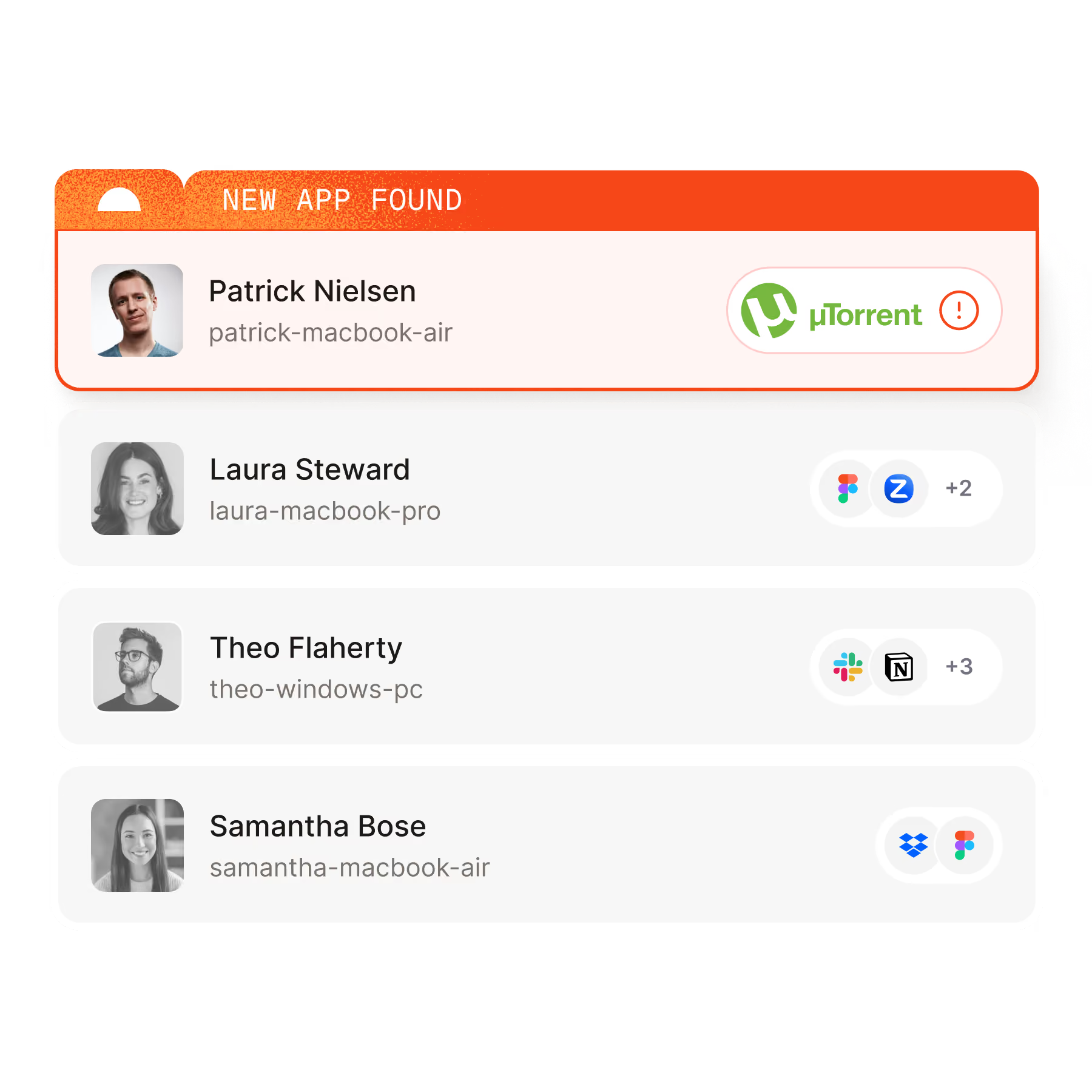
Find shadow web apps, see who uses it.
Noon lists the apps people use on company computers, sorted by type. Open an app to see who used it and when. New apps show up on day one.
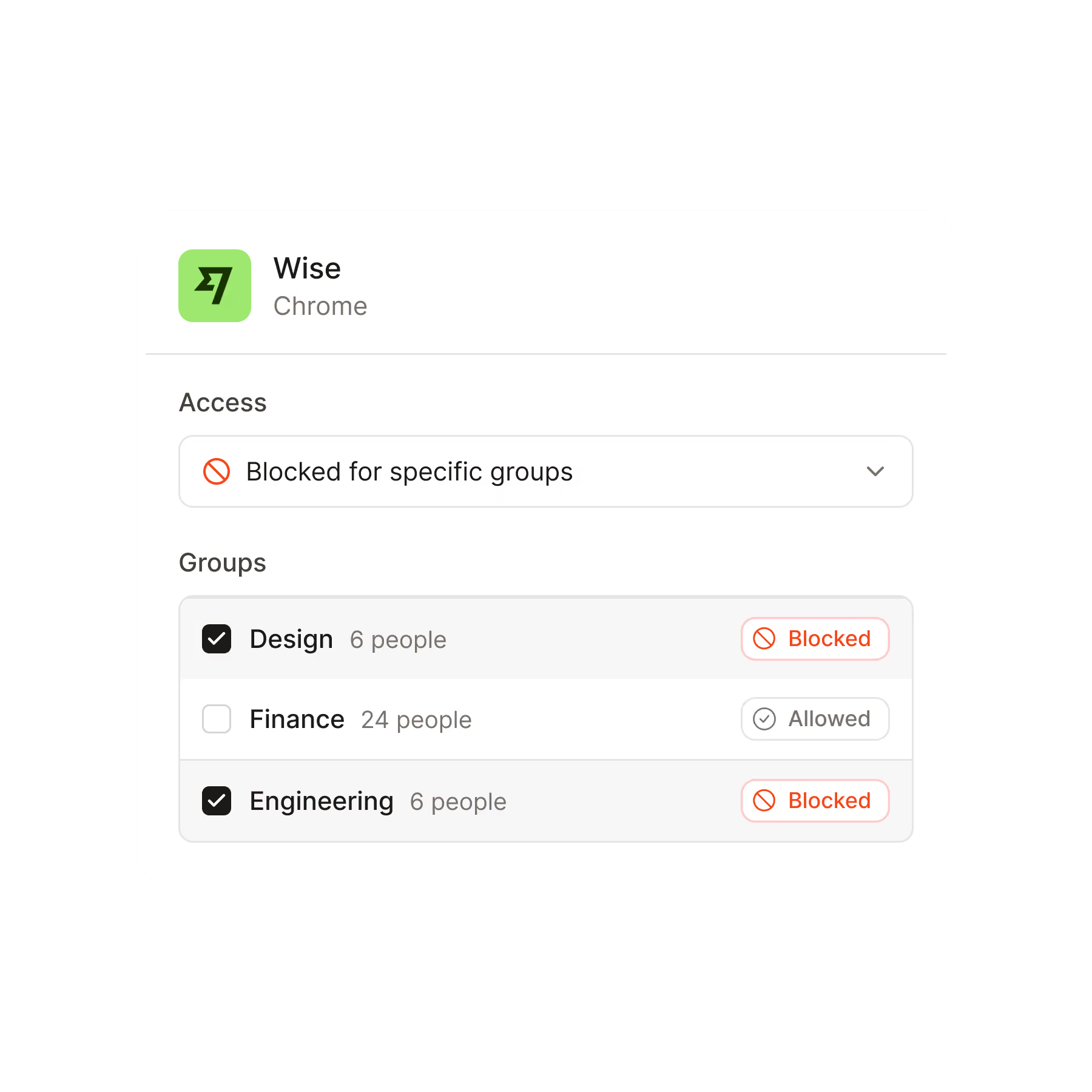
Block an app for an individual, a team or for everyone
Block an app for the whole company or only for some teams. Finance doesn't need the same apps as engineering.
Choose what people can install
Decide which programs and browser extensions install freely, and which need an admin to say yes.








“Noon helped us turn security awareness into a continuous control. Fast, relevant, and matched to how Web3 teams get attacked.”
Phil O'Neill, Head of IT
Your workforce, secured by noon
Connect your workspace and start protecting your employees within 10 minutes.
Connect your workspace in minutes.
No sales call required.
Frequently Asked Questions
Questions about getting started with Noon Security, phishing, Shadow AI or general employee security
Do people need to tell IT which apps they use?
Do people need to tell IT which apps they use?
No. Noon builds the list from what people use on company computers.
How do I block an app?
How do I block an app?
Open the app in Noon and set it to blocked. Choose everyone or some teams. The block works on every company computer with Noon on it.
What does Noon see?
What does Noon see?
The app, its type, how often it is used, and who used it on which computer.
Does it cover programs and browser extensions?
Does it cover programs and browser extensions?
Yes. The same Noon app controls what people install. Choose what installs freely and what needs an admin to say yes. People can ask for access when something is blocked.
Does it cover AI tools?
Does it cover AI tools?
Yes. AI tools show up in the list like any other app, under "AI tools". To control which AI models people use and what AI tools can connect to, see AI governance. It uses the same Noon app.
Which computers does it work on?
Which computers does it work on?
Mac, Windows and Linux. Install it with your MDM or by hand.