Test your people with advanced phishing simulations
Realistic phishing by email, text, chat and phone call, tailored to each person. Anyone who falls for a simulation gets a short lesson on the spot.







AI can write the perfect phishing email for every person in your company.
Find out who is at risk before an attacker does
Get detailed risk insights
Make the lesson stick
Build the reporting habit
Simulations that look like the real thing
Each person gets the attack they would actually receive
Finance learns about invoices, engineering about packages. If someone falls for a simulation or their details show up in a data breach, Noon sends a short lesson right away.
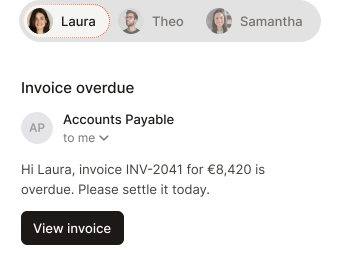
Covering all possible channels: Email, SMS, QR and voice
Attackers do not stop at email, so the simulations don’t either. Chain the simulations into one multi-step scenario, the way real attacks work.

Create your own scenario with AI
Describe the attack you want to test. Noon builds the message and the landing page. You review and send.
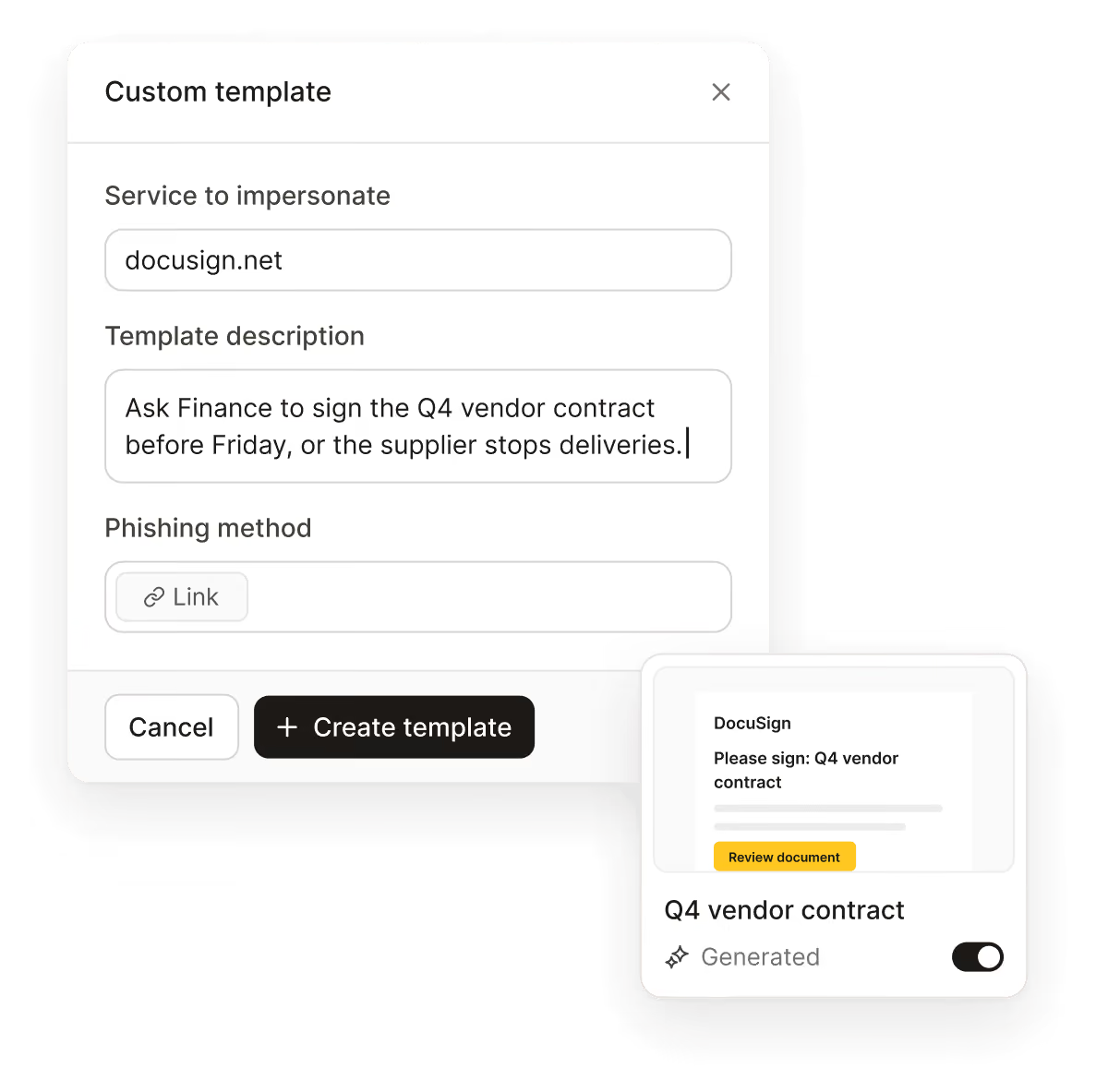
How phishing simulations work

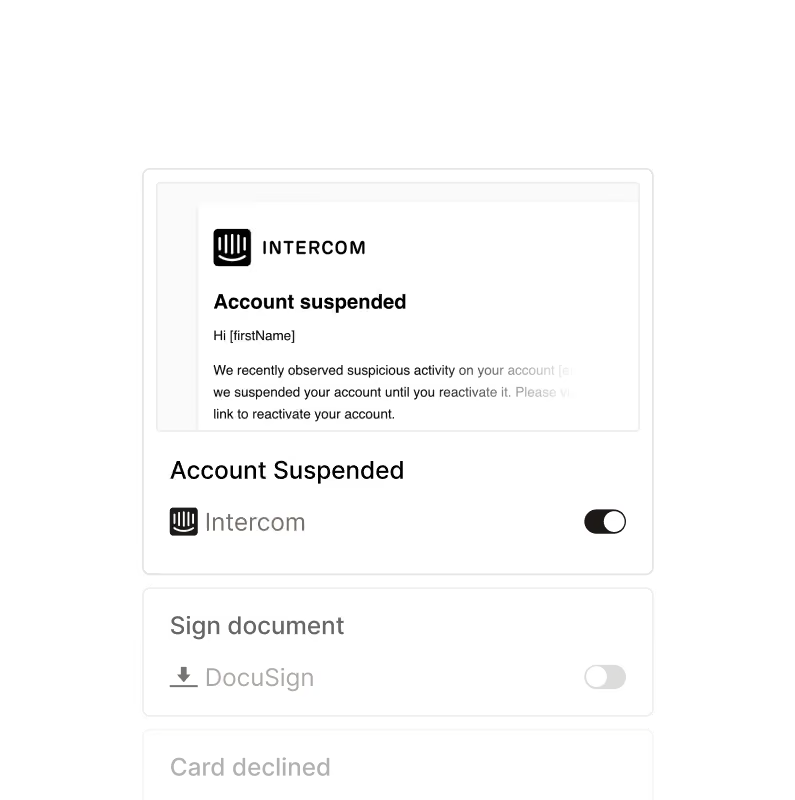
Select your simulation
Noon picks campaigns based on role, risk level and past behavior. Pick your own scenario when you want to.
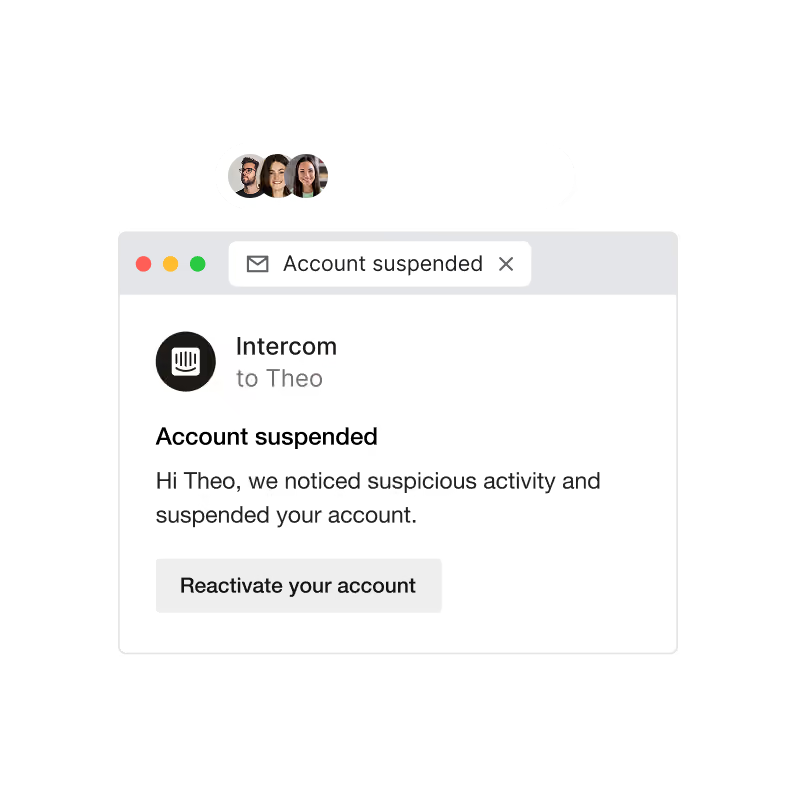
Send out a fake attack
Pick who gets tested and send a fake phishing email, text, chat message or call. Noon picks the timing for each person, for maximum realism.
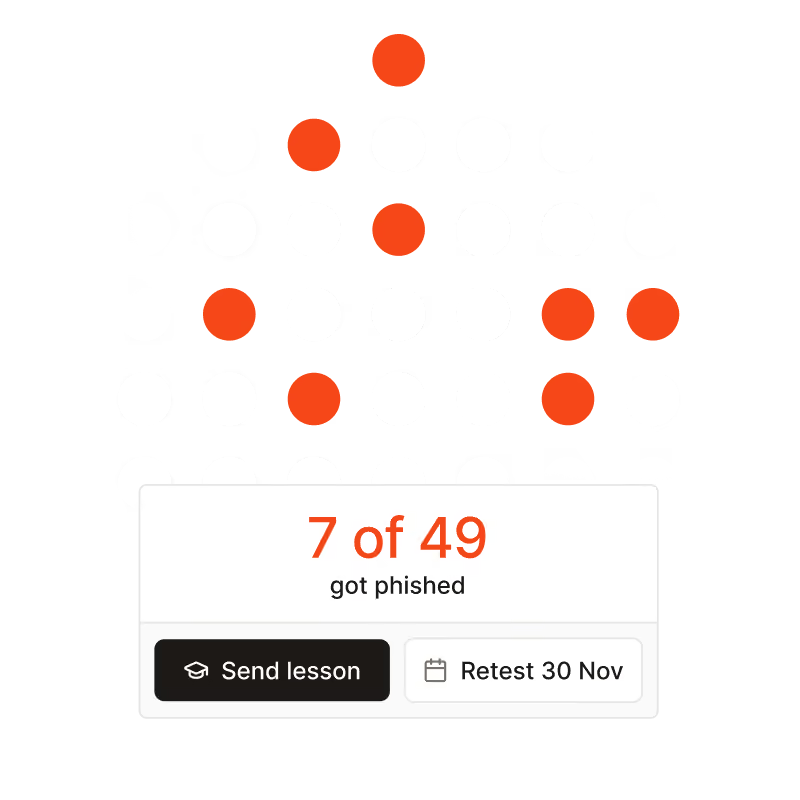
Retrain who gets compromised
Anyone who falls for it finds out right away and gets a short lesson to spot the next attempt.






What simulations you can run


QR phishing
Vendor impersonation
Executive Impersonation
SMS and chat phishing
Credential Theft
Deepfake voice calls
Multi-step campaigns
Malicious attachments


“Noon helped us turn security awareness into a continuous control. Fast, relevant, and matched to how Web3 teams get attacked.”
Phil O'Neill, Head of IT
Your workforce, trained by noon
Connect your workspace and start protecting your employees within 10 minutes.
Connect your workspace in minutes.
No sales call required.
Frequently Asked Questions
Questions about getting started with Noon Security, phishing, Shadow AI or general employee security
Can I run simulations in other languages?
Can I run simulations in other languages?
Yes. Set the language for simulation emails and sign-in pages in the campaign settings.
What do I need for SMS and voice simulations?
What do I need for SMS and voice simulations?
A phone number for each person in Noon. People without a number do not get the text or the call.
How do simulations reach the inbox?
How do simulations reach the inbox?
Connect Google Workspace or Microsoft 365. Noon uses write access to place the message directly in the mailbox, so spam filters do not drop it.
What happens if someone falls for it?
What happens if someone falls for it?
They land on a page explaining that the message was a training exercise. It shows the simulated message and a short lesson on the clues they missed. Each person sees only their own lesson.
What results do I see?
What results do I see?
Who opened the message, who was phished and who reported it, plus the phished rate per campaign. Per person, the latest status and the timeline: opened, clicked, attachment opened, credentials submitted, replied, reported. People cannot see each other's results.
What kinds of attacks can I simulate?
What kinds of attacks can I simulate?
Fake login pages, malicious attachments, impersonation and QR code phishing by email, plus texts, chat messages and voice calls. You choose the method, the audience and the vendors the templates imitate.